Understanding the Shopping List
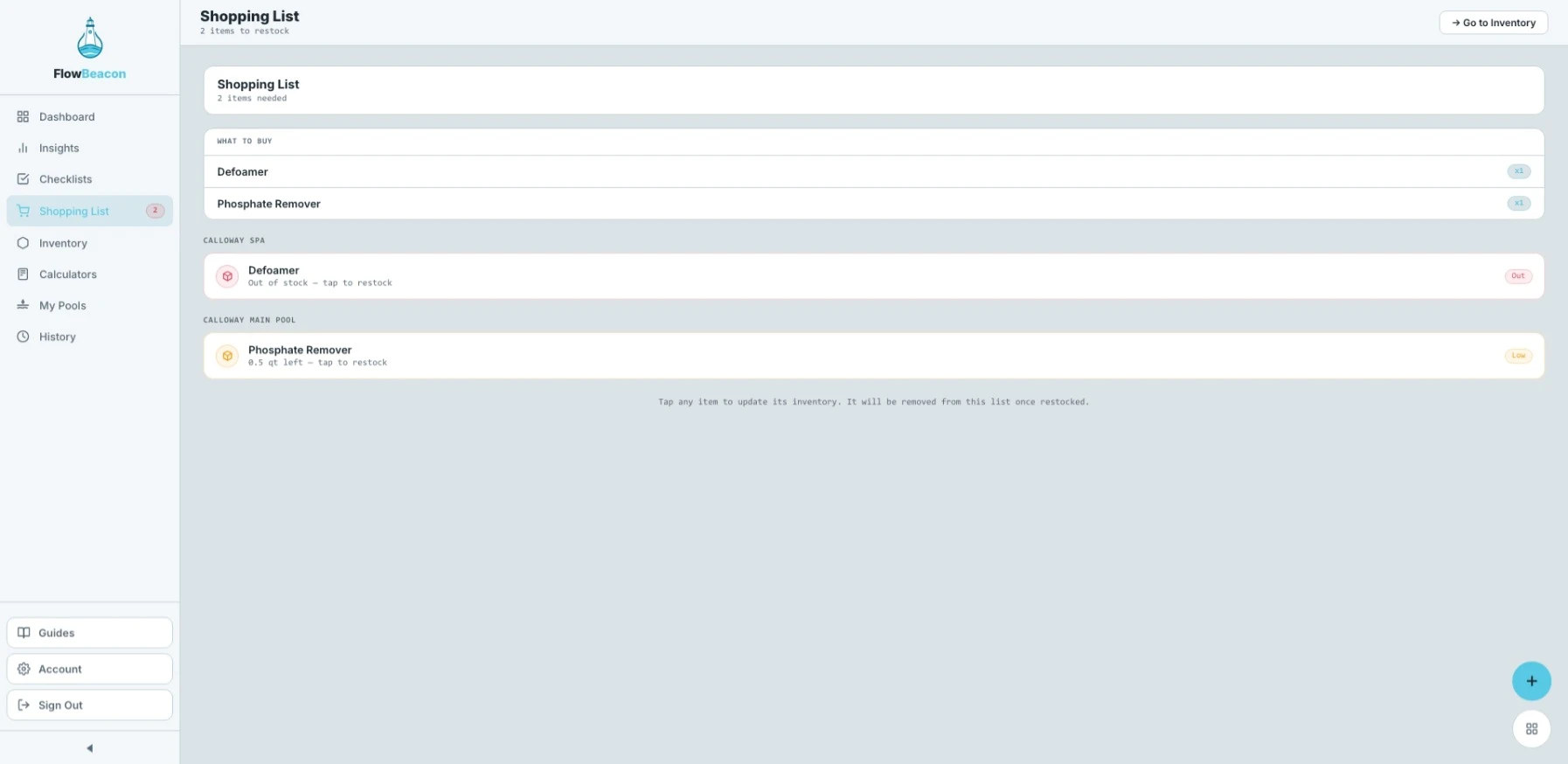
The Shopping List is an automatic feature that scans every pool in your account and collects all inventory items that are running low or completely out of stock. Instead of checking each pool one by one, FlowBeacon pulls it all together in one place so you know exactly what to buy before your next service run.
- Desktop
- Mobile
Keeping Your Inventory Updated
The Shopping List is only as accurate as your inventory. If your inventory is not being kept up to date, the Shopping List will not reflect what you actually need — it may miss items or show nothing at all even when supplies are low.
Making it a habit to log chemicals and supplies used after each service visit is what makes this feature work. The more consistent you are with your inventory, the more reliable your Shopping List becomes.
Shopping List
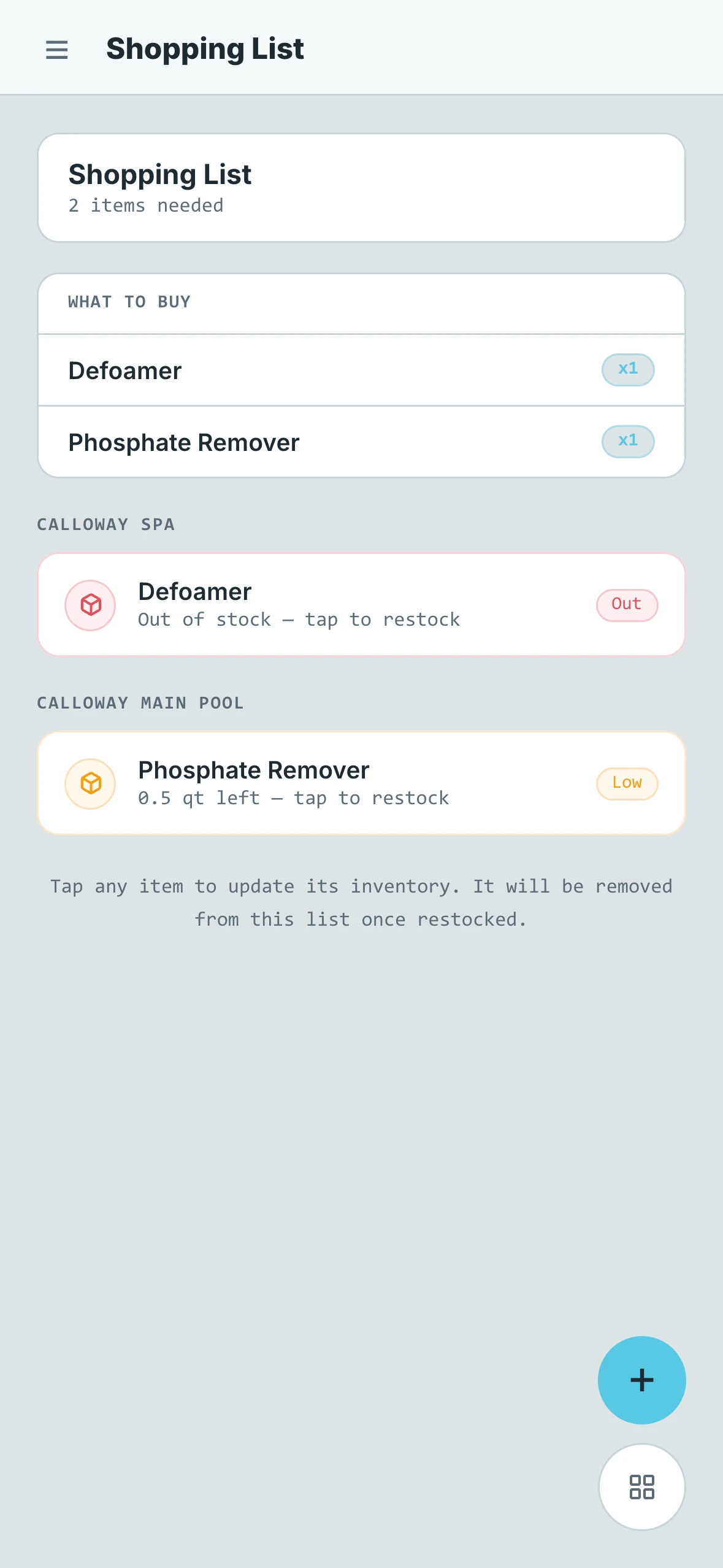
At a glance, the Shopping List shows you a summary of how many items are needed across all of your pools. This gives you a quick sense of how much restocking is required before you head to the supply store — without having to read through every line item first.
What to Buy
The What to Buy section lays out every chemical or supply that needs to be purchased or restocked. Each item is listed clearly so you can work through it efficiently, whether you are shopping in-store or placing an order. No pool-by-pool hunting required.
Pool Breakdown
Below the main list, you will find a detailed breakdown organized by pool. This tells you specifically which pools need which items, so you know exactly where everything is going once you have restocked. This is especially useful when managing multiple properties, as it helps you plan your restocking and service route at the same time.