Understanding Inventory
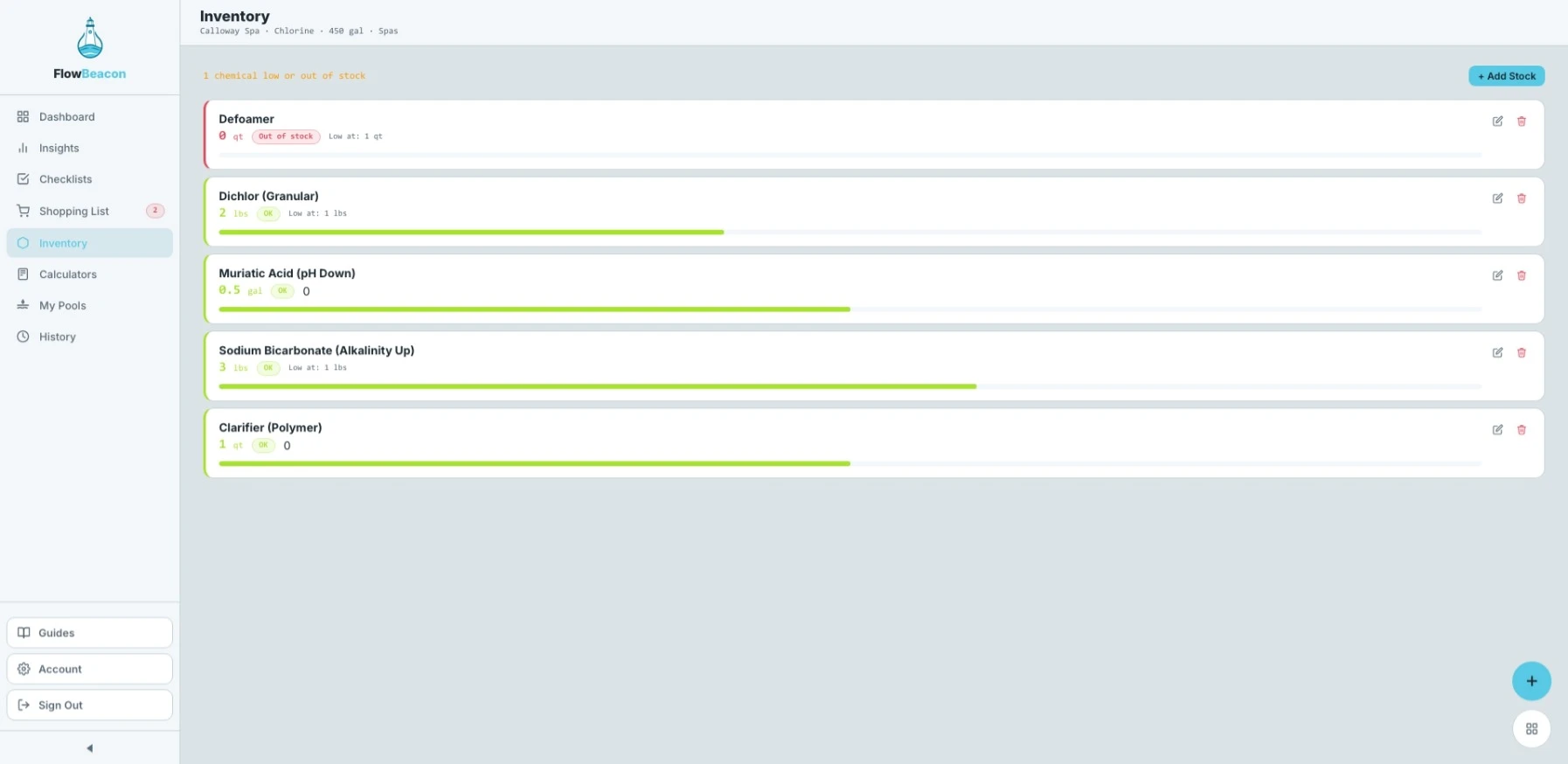
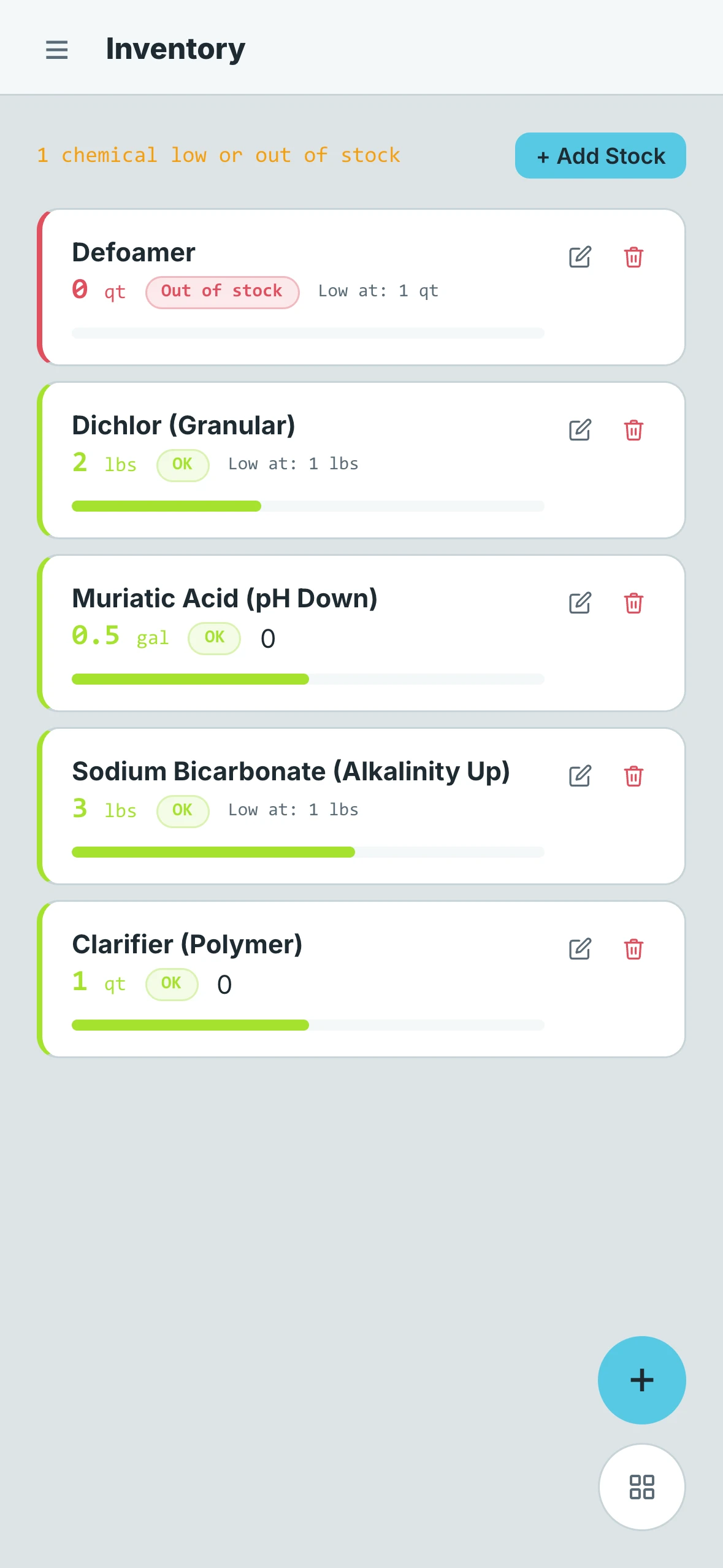
The Inventory screen gives you a full breakdown of all the chemicals and supplies you have tracked for your currently selected pool. Keeping this up to date is what powers the Shopping List, so the more accurate your inventory is, the more useful the rest of the app becomes.
- Desktop
- Mobile
What Each Item Shows
Every inventory item displays the following at a glance:
- Name — The chemical or supply being tracked
- Quantity on Hand — How much of that item you currently have in stock
- Status — Whether the item is OK, getting low, or completely out of stock
- Alert Threshold — If one has been set, this shows the quantity at which FlowBeacon will flag the item as low
- Stock Bar — A visual progress bar showing how full, partial, low, or empty that item is relative to your threshold
The stock bar makes it easy to scan your inventory at a glance without having to read every number.
Removing Stock
If you no longer carry a particular chemical or supply for a pool, you can delete it from the inventory entirely. This keeps your list clean and ensures the Shopping List only reflects items you are actually tracking.