Understanding History
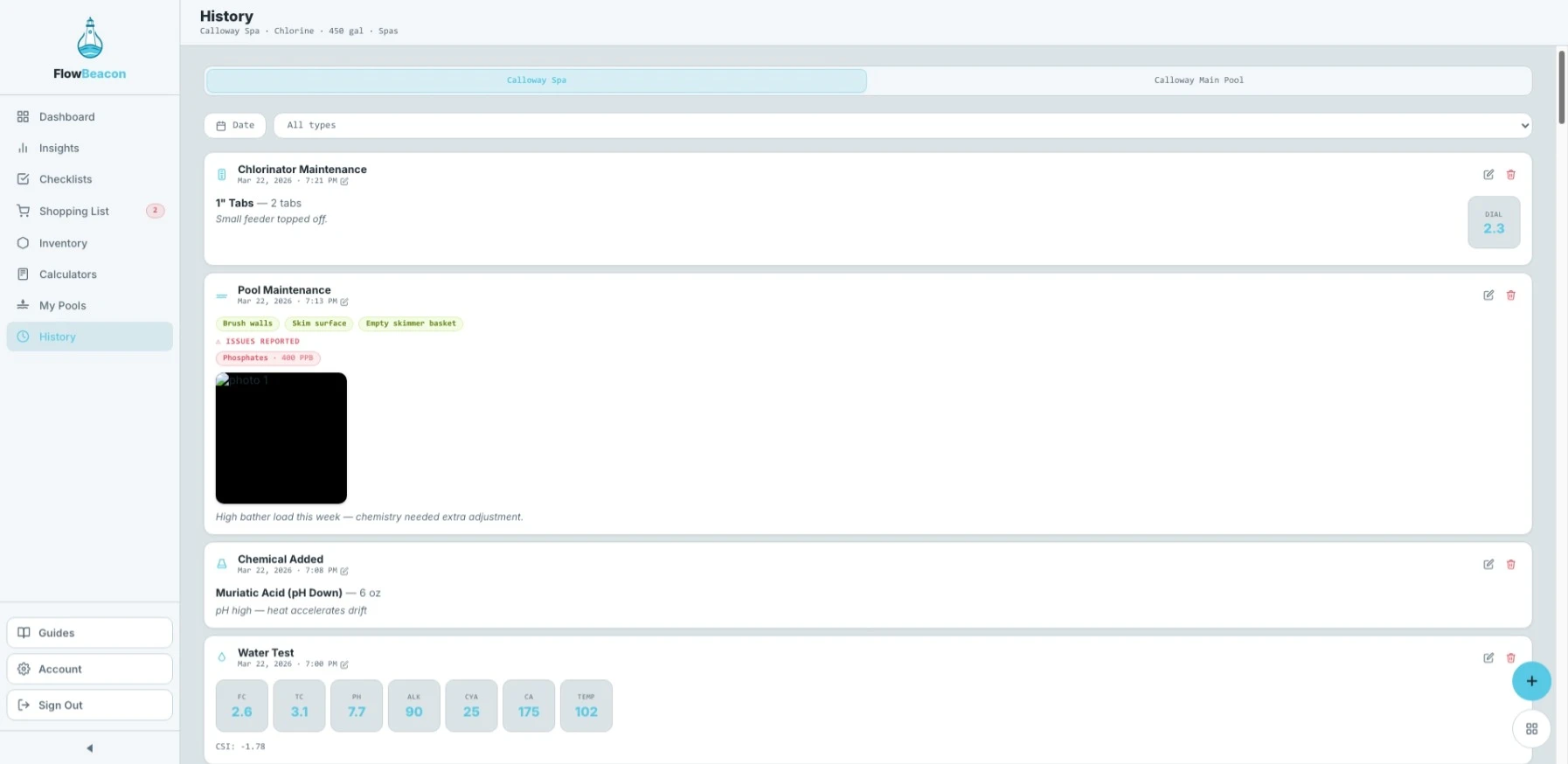
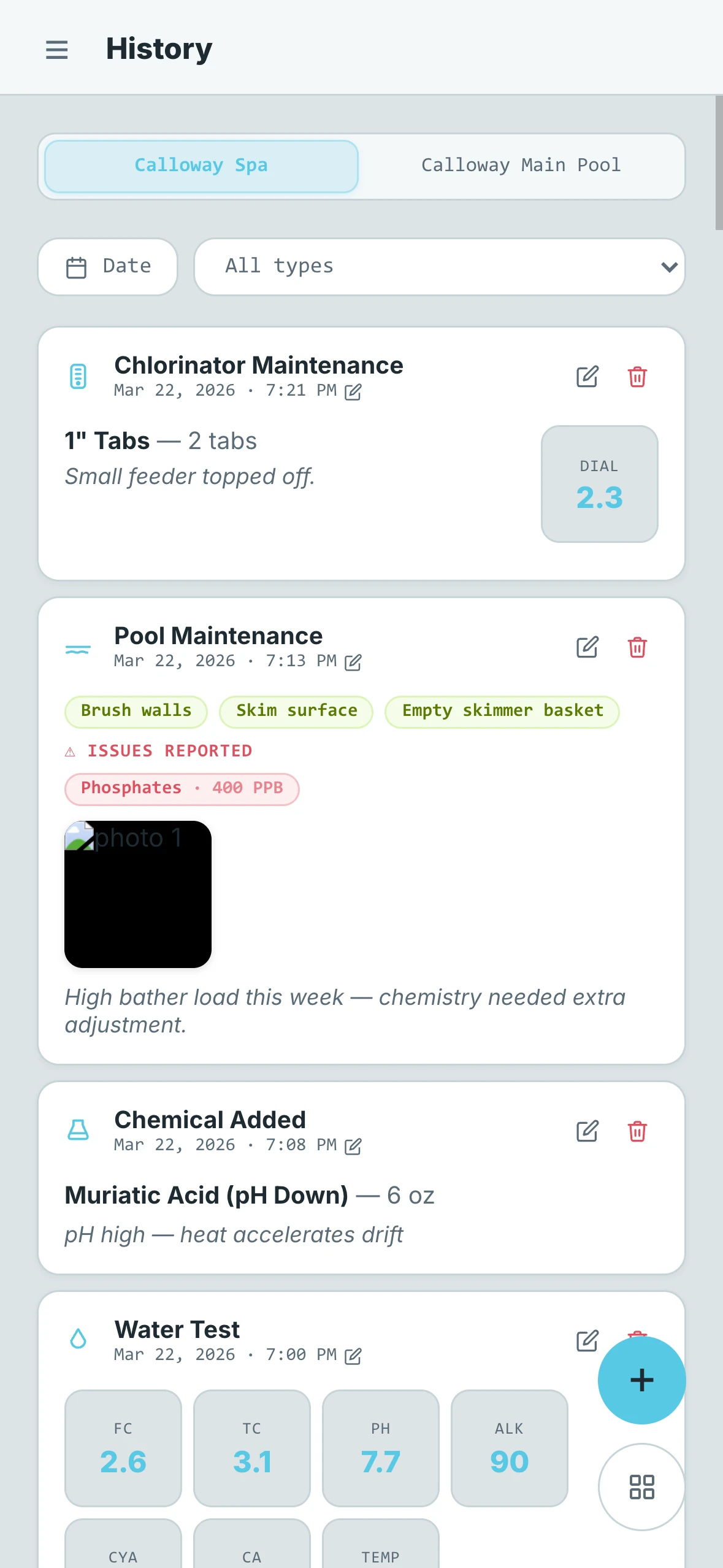
History is FlowBeacon's complete activity log. Every action recorded through the Actions screen — whether from the All Actions menu or the Quick Add menu — gets saved here automatically. Over time, History becomes a full picture of everything that has happened to your pool.
Most printed professional logbooks only have room for a handful of fields per visit. FlowBeacon's History captures far more — every chemical addition, water test result, maintenance action, note, and metric is recorded with detail that a paper log simply can't match. Whether you're a homeowner keeping tabs on your own pool or a service professional managing dozens of accounts, History gives you a searchable, filterable record that's always with you.
- Desktop
- Mobile
Switching Pools
If you are viewing a property with multiple pools, a pool selector at the top of the screen lets you switch between them so you can view each pool's history independently.
Filters
Two filters at the top of the screen let you narrow down the log:
- Entry Type — Filter by a specific type of action to see only those entries
- Date — Filter by date range to focus on a specific period
Entry Types
Every history entry captures the details recorded at the time of the action. Entries fall into two groups:
Maintenance
These entries are logged whenever a maintenance task is performed:
- Filter Maintenance
- Pool Maintenance
- Pump Maintenance
- Chlorinator Maintenance
- SWG Maintenance
- Vacuum Maintenance
Other
These entries cover water testing, chemical additions, and general records:
- Water Test — Chemistry readings recorded from a test
- Chemical Add — A chemical addition and the amount used
- Note — A free-form note
- Photo / Media — A photo or media file attached to the log
What Each Entry Shows
Each entry displays all of the information that was recorded at the time, which can include:
- The date and time of the entry
- The action taken
- Notes or observations
- Any issues flagged
- Images or videos captured during the visit
- Metrics such as filter pressure, chlorinator settings, dial readings, water test results, and more — depending on the entry type