Water Test
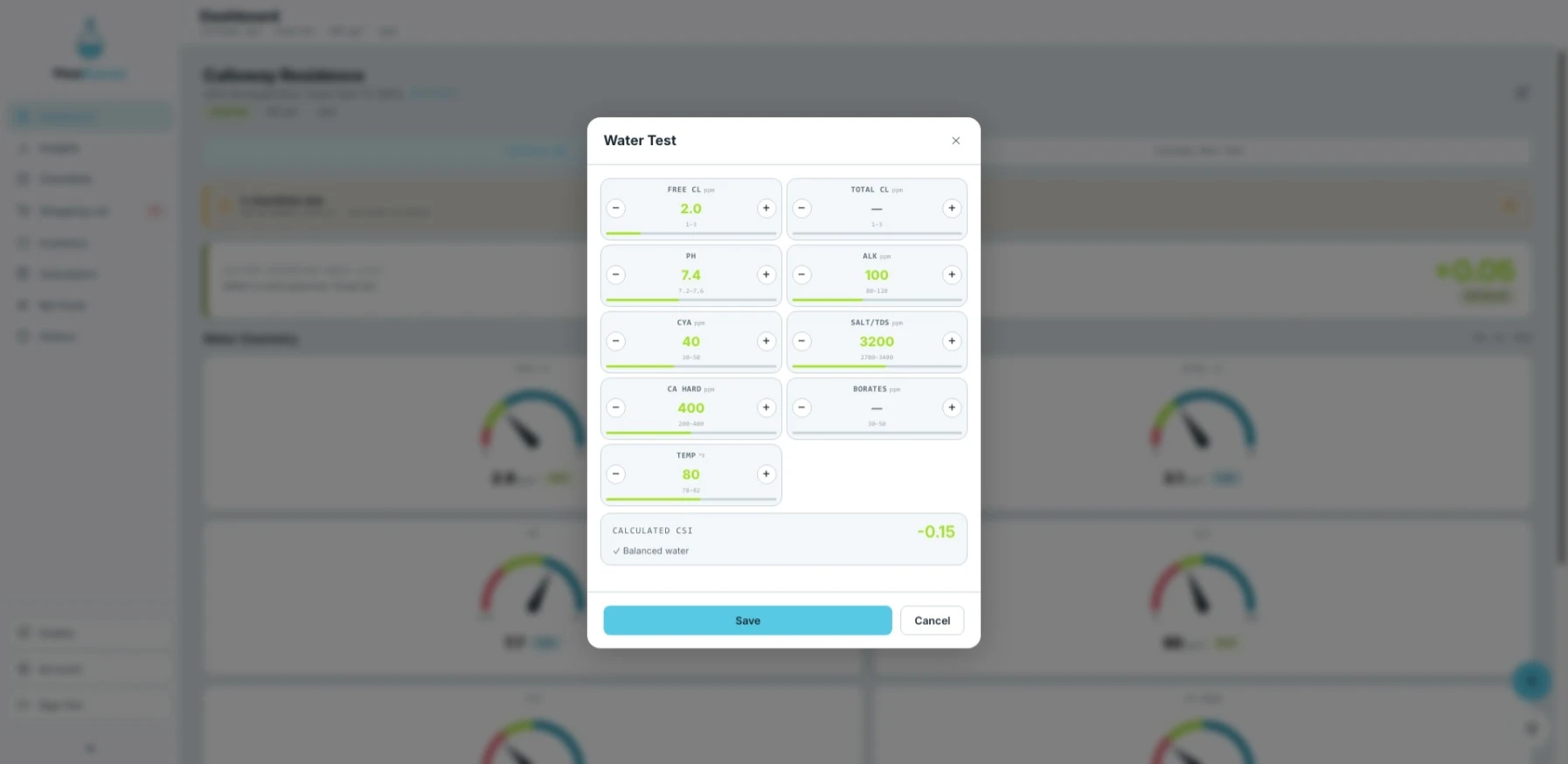
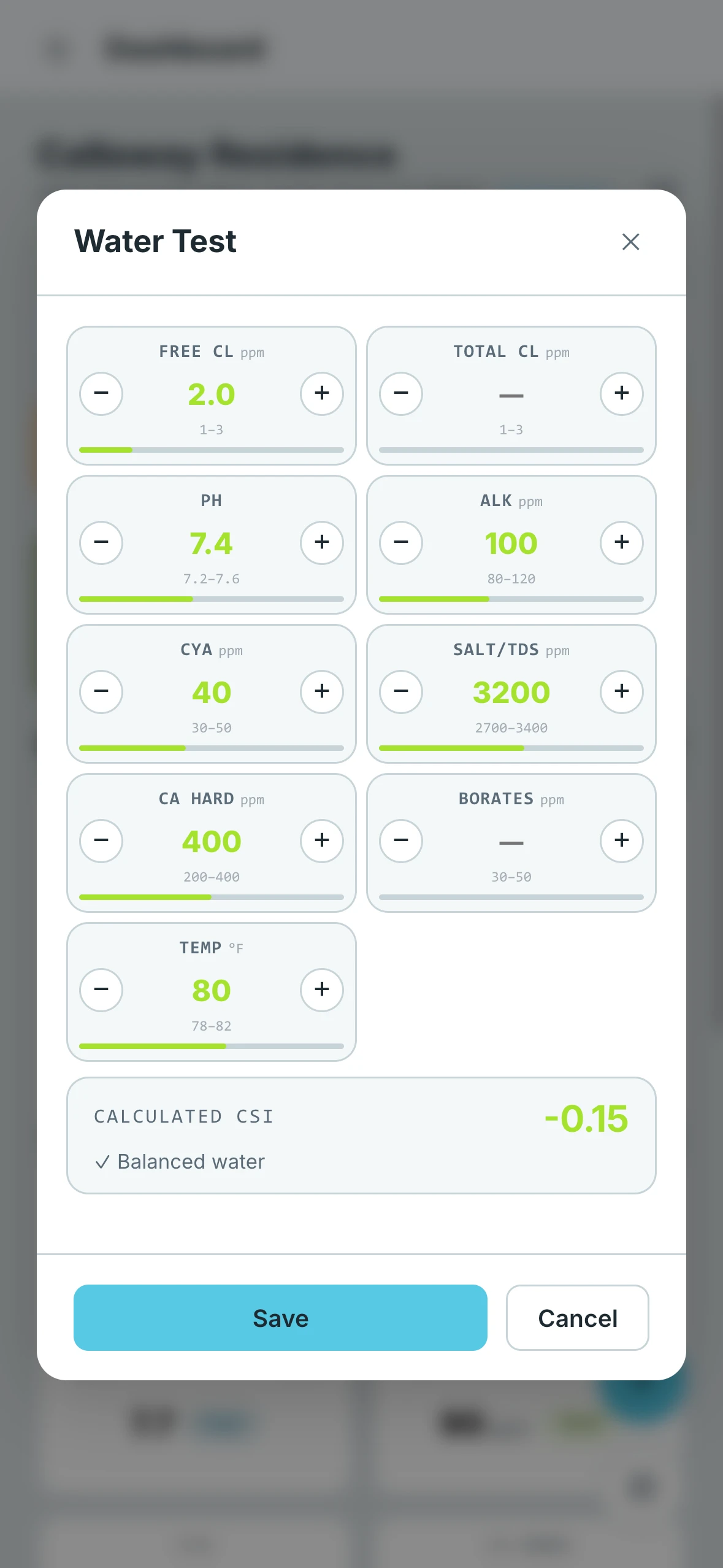
The Water Test form is where you log your chemical readings after testing the pool water. FlowBeacon uses these values to update the dashboard gauges, calculate the CSI, and inform any chemical adjustment recommendations.
- Desktop
- Mobile
Logging and Editing
Every entry submitted through this form is automatically saved to the History tab, where you can review it alongside all other pool activity. Entries can be edited at any time after submitting.
You Don't Have to Test Everything Every Time
You are not required to fill in every chemical on each test. FlowBeacon carries forward the last known value for any reading you leave blank, so your dashboard always reflects the most recent data available for each chemical. The recommended workflow is to do a full water test initially, make your chemical adjustments, and then only retest the specific chemicals you adjusted on your next test.
Keep in mind that not all chemicals can be retested at the same pace. Fast-reacting chemicals like pH and free chlorine can often be retested within minutes of an adjustment. Slower chemicals like total alkalinity, calcium hardness, and cyanuric acid need significantly more time to fully circulate and stabilize before an accurate reading is possible.
Chemical Readings
| Chemical | Unit | Step |
|---|---|---|
| Free Chlorine | ppm | 0.5 |
| Total Chlorine | ppm | 0.5 |
| pH | — | 0.1 |
| Total Alkalinity | ppm | 10 |
| Cyanuric Acid / CYA | ppm | 10 |
| Salt / TDS | ppm | 100 |
| Calcium Hardness | ppm | 10 |
| Borates | ppm | 10 |
| Water Temperature | °F | 1 |
Calculated Outputs
Once readings are entered, FlowBeacon automatically calculates:
- Calcium Saturation Index (CSI / LSI) — A measure of how balanced the water is with respect to calcium carbonate
- CSI Status — Displayed as Corrosive, Balanced, or Scaling based on the calculated index