Quick Add
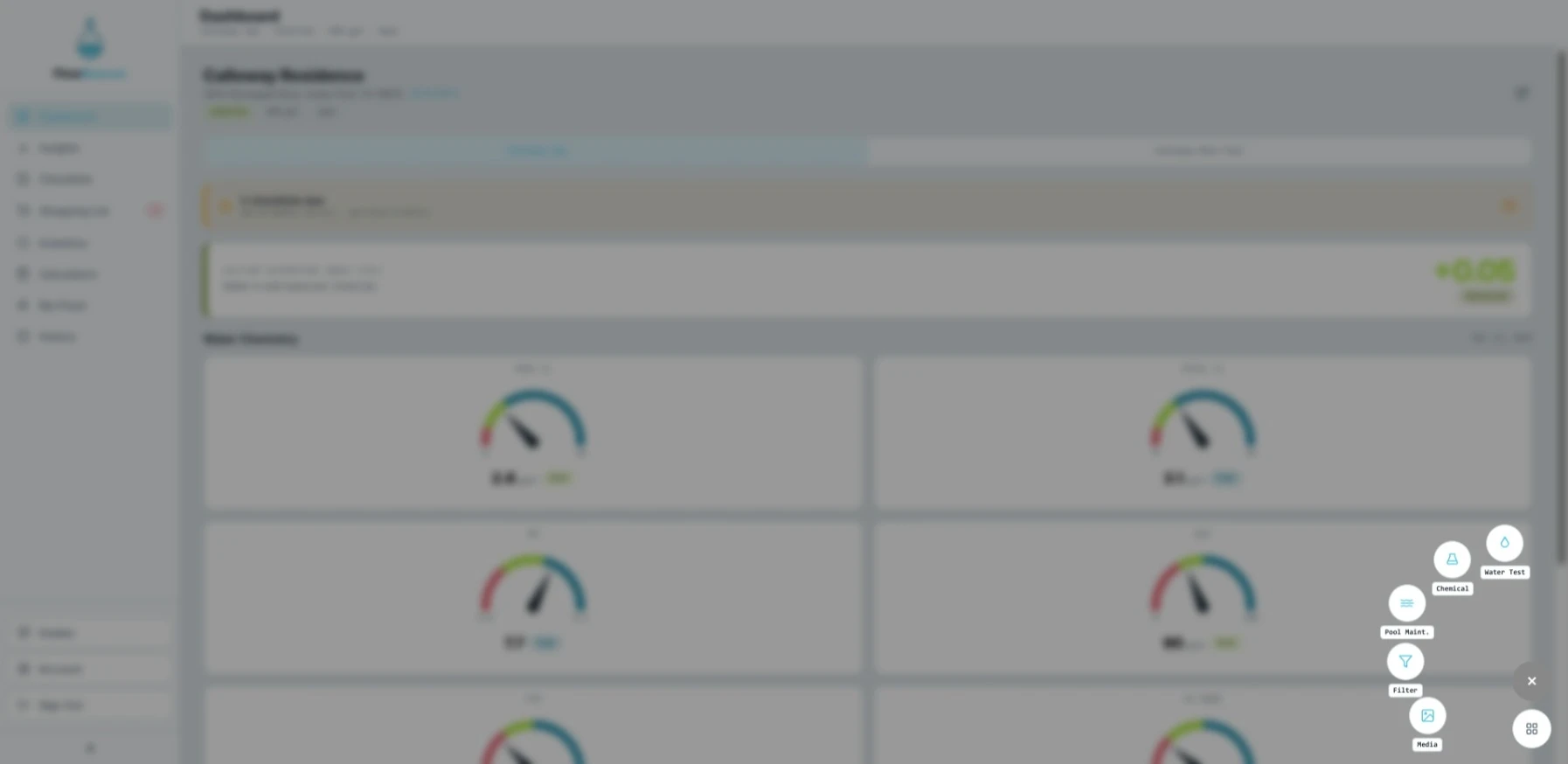
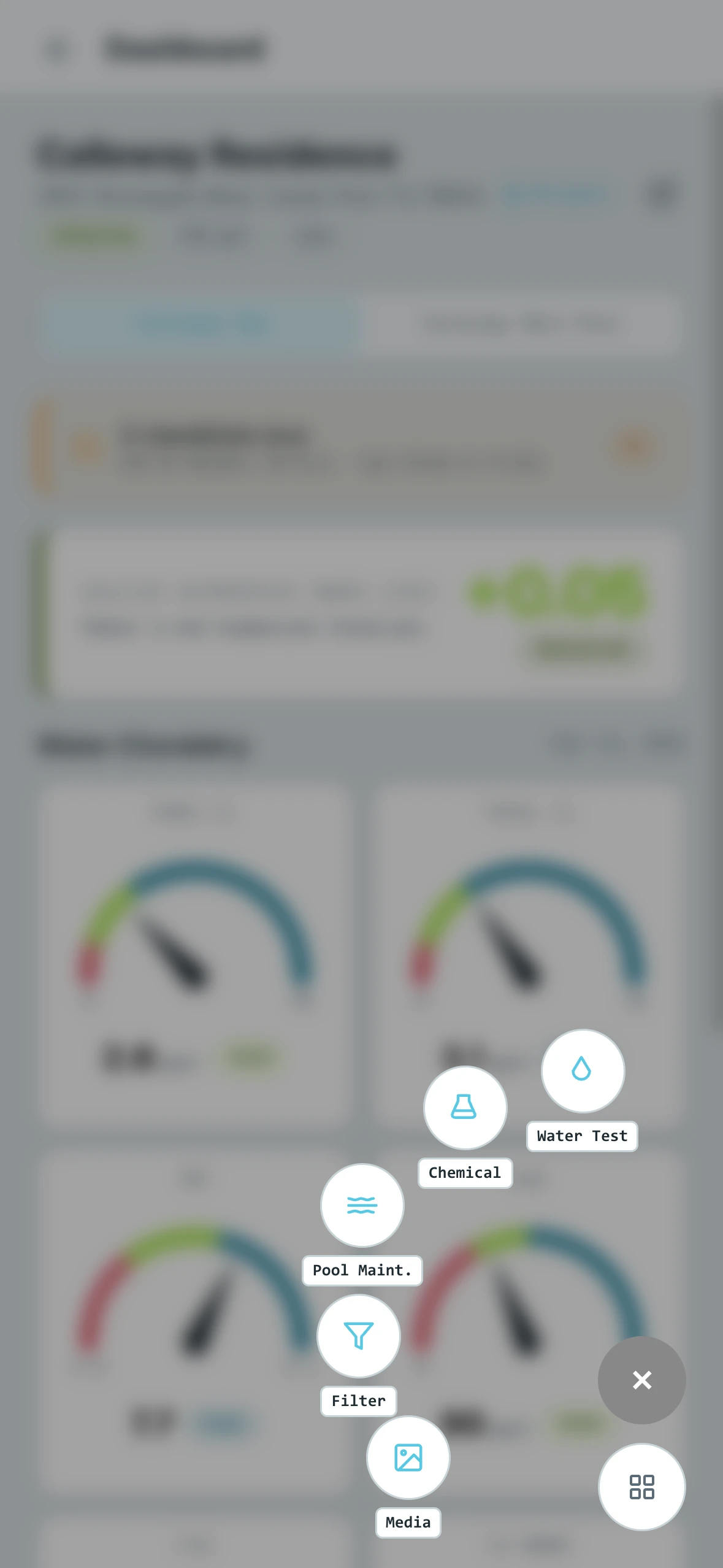
Quick Add is a radial menu that gives you one-tap access to the actions you use most during a service visit. Instead of navigating through the All Actions sidebar menu, you get your most common tasks right at your fingertips.
- Desktop
- Mobile
How It Works
Tapping the Quick Add button opens a radial menu with your pinned actions arranged around it. Select any action to open that form and log your entry — it works exactly the same as launching an action from the All Actions sidebar menu.
Customizing Quick Add
The actions that appear in the Quick Add menu are fully customizable. You can configure which actions are pinned from the Customize section under Account. Any of the 10 available action forms can be added to the Quick Add menu, so you can tailor it to match your typical workflow.