Filter Maintenance
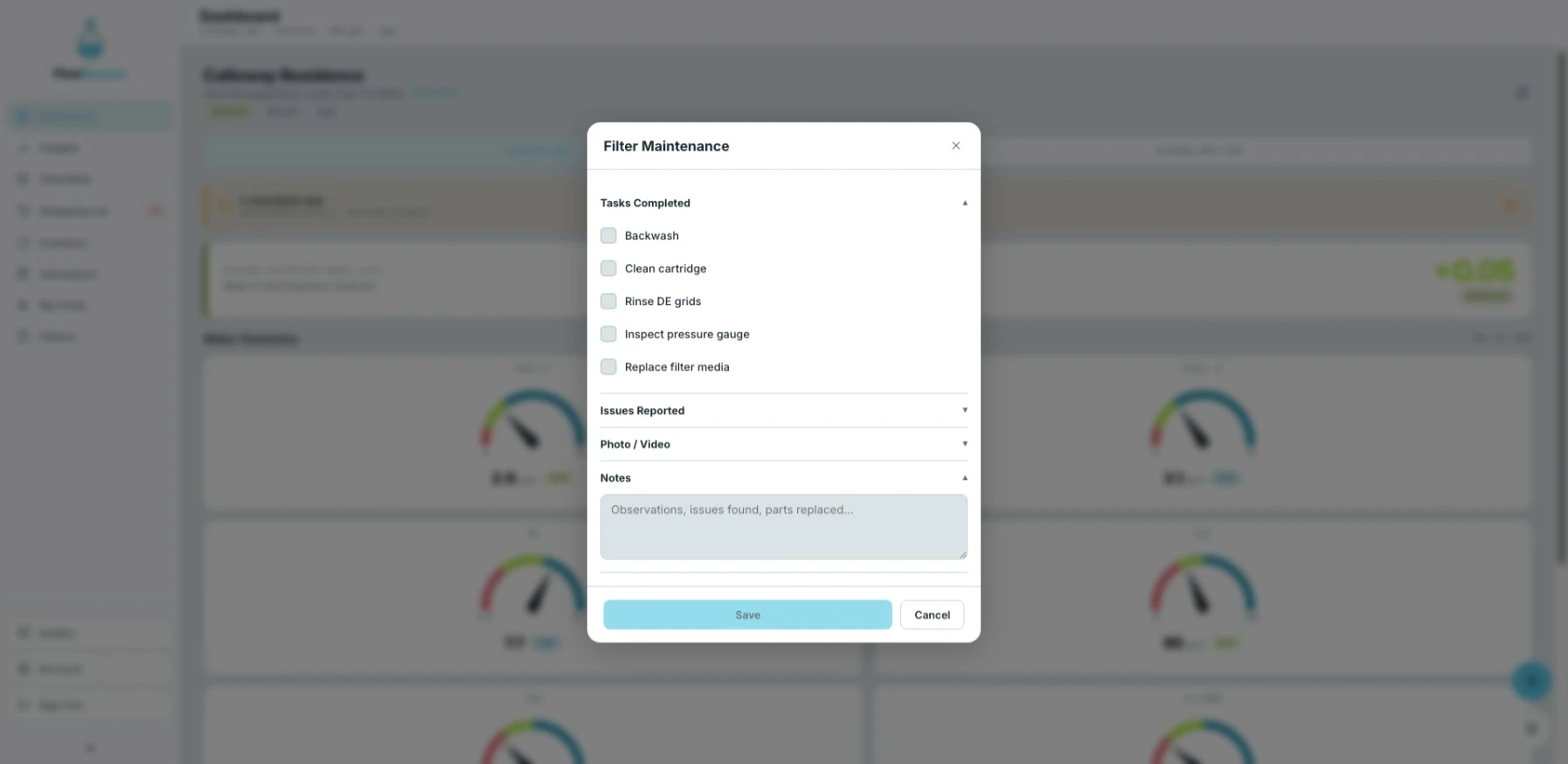
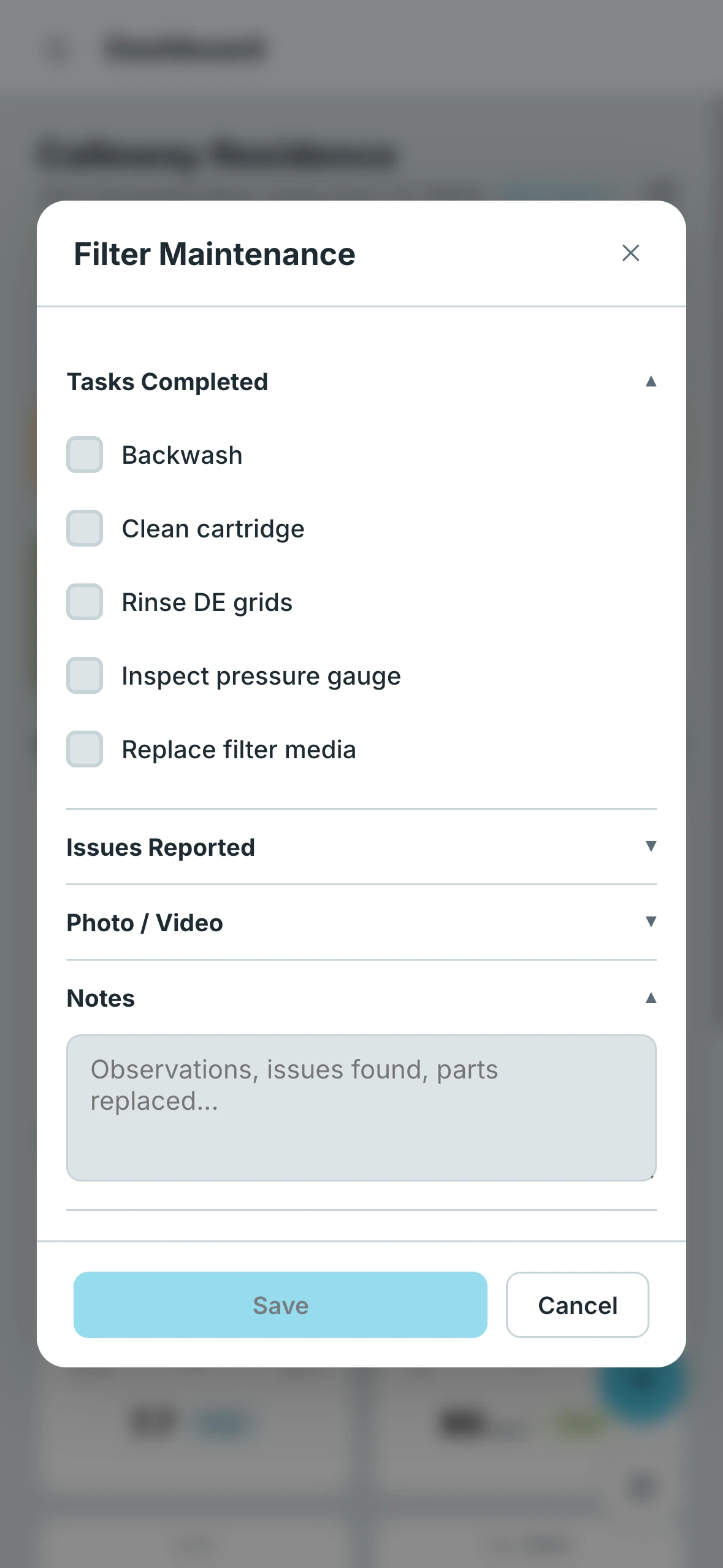
The Filter Maintenance form logs everything related to your filter during a service visit — tasks performed, any issues found, and pressure readings before and after servicing.
- Desktop
- Mobile
Logging and Editing
Every entry submitted through this form is automatically saved to the History tab, where you can review it alongside all other pool activity. Entries can be edited at any time after submitting — nothing is locked in.
Tasks
Check off any tasks completed during the visit:
- Backwash
- Clean cartridge
- Rinse DE grids
- Inspect pressure gauge
- Replace filter media
Issues
Flag any problems observed:
- Needs Cleaning
- Leak Detected
- Bad Cartridges / DE Grids
Additional Fields
- Pressure Before — Filter pressure reading before servicing (psi)
- Pressure After — Filter pressure reading after servicing (psi)
- Current Pressure — Current operating pressure (psi)
- Photos — Attach photos from the visit
- Notes — Any additional observations or comments