Add Media
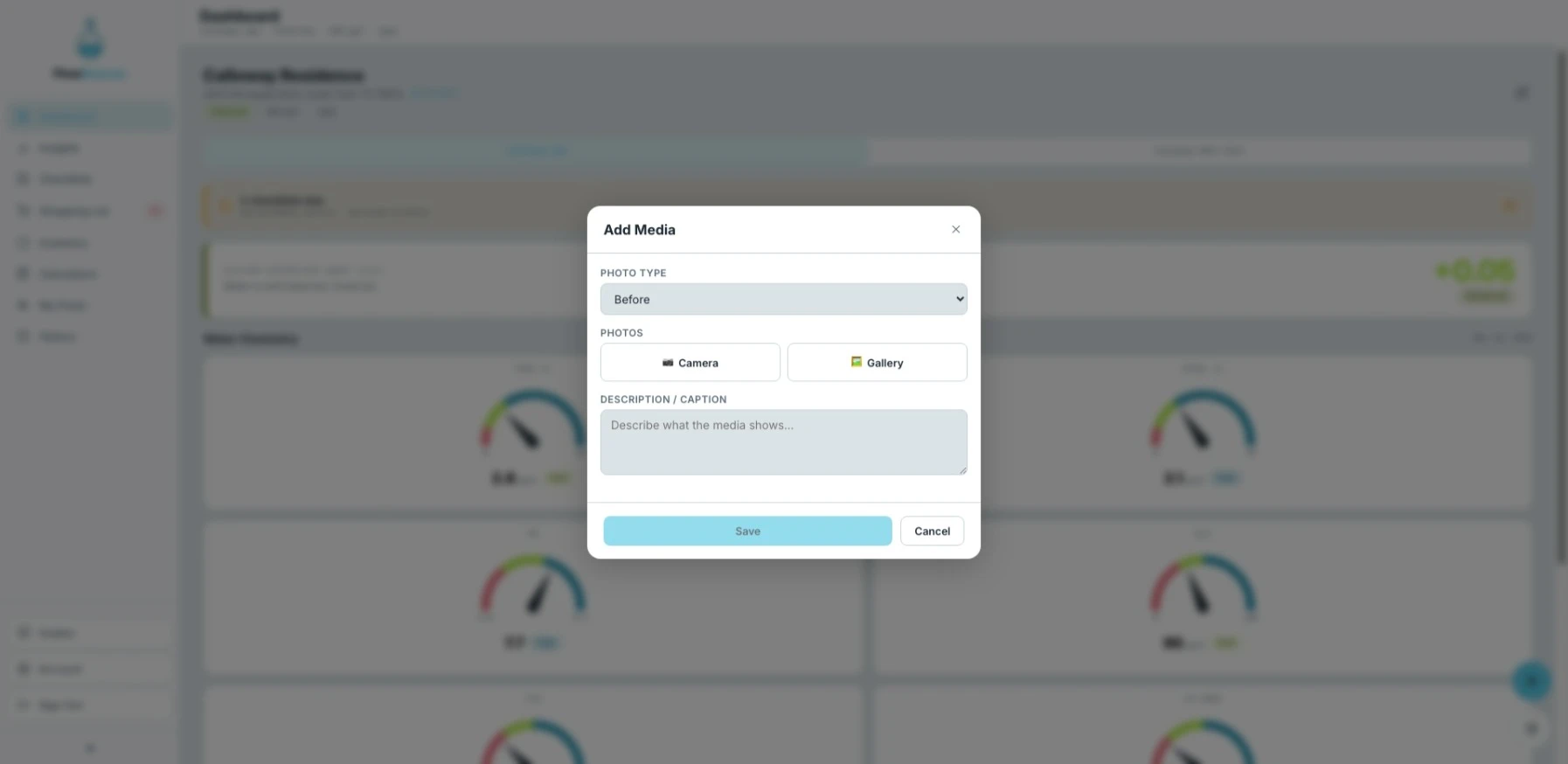
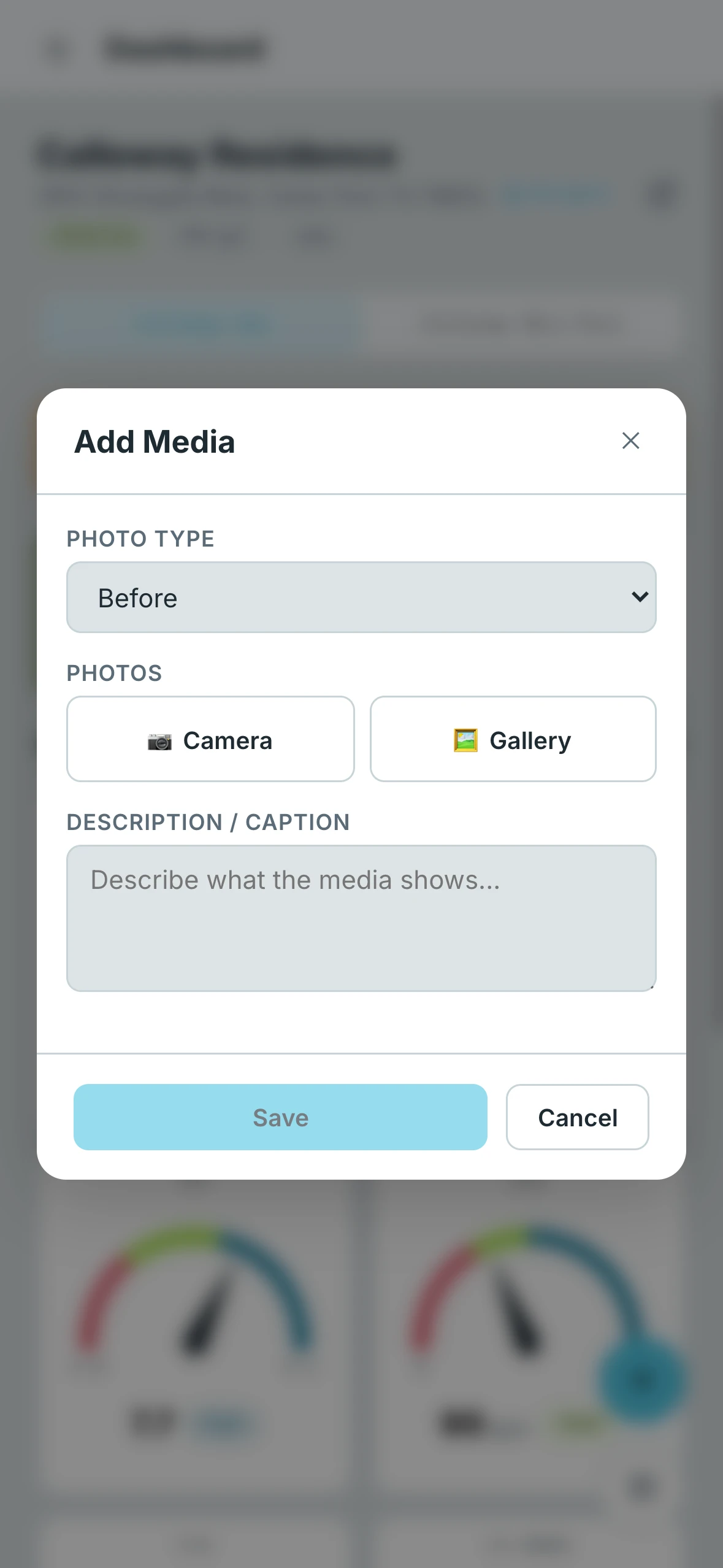
The Add Media form lets you attach photos and videos to a pool's log. A common use is documenting the condition of a pool before and after a service visit.
- Desktop
- Mobile
Logging and Editing
Every entry submitted through this form is automatically saved to the History tab, where you can review it alongside all other pool activity. Entries can be edited at any time after submitting.
Media Slots
Each entry supports three labeled slots for organizing your media:
- Before — The condition of the pool before the service
- After — The condition of the pool after the service
- Other — Any additional photo or video that doesn't fit the before/after context
Capturing Media
You have two options for adding media to each slot:
- Upload from Gallery — Select existing photos or videos from your device
- In-App Camera — Use the embedded camera to take multiple photos in a single session. Press and hold the shutter button to record a video up to 60 seconds long.
Additional Fields
- Description / Caption (optional) — Add context or notes explaining what the media shows